
Bridge Modes
Calculator
Five complete bridge scoring modes in one free app. Works on any device, fully offline — perfect for cruise ships and bridge clubs.
How it works
Getting started takes less than a minute. Install once and the app works completely offline — no internet connection needed at the table.
App screenshots
A walkthrough of Bonus Bridge mode — from entering the licence code to viewing completed hand scores.
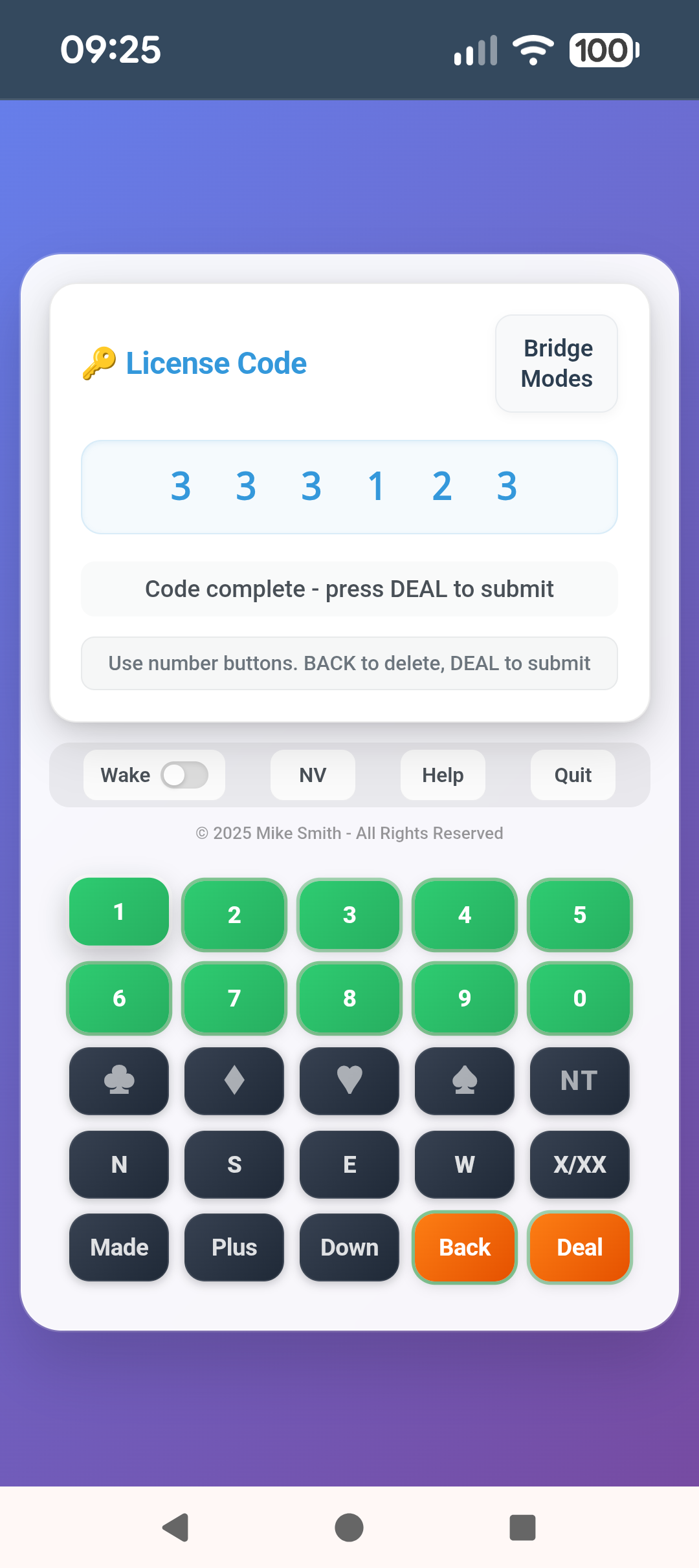
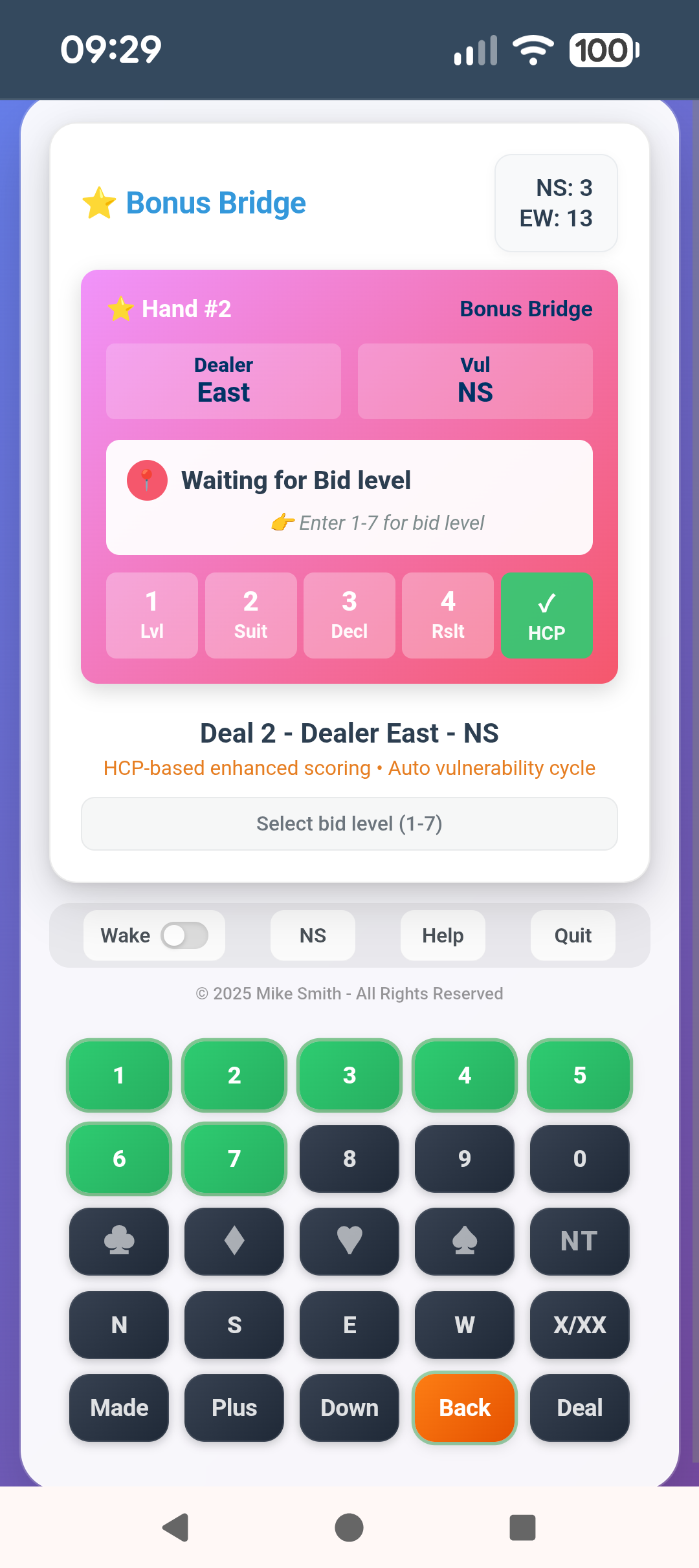
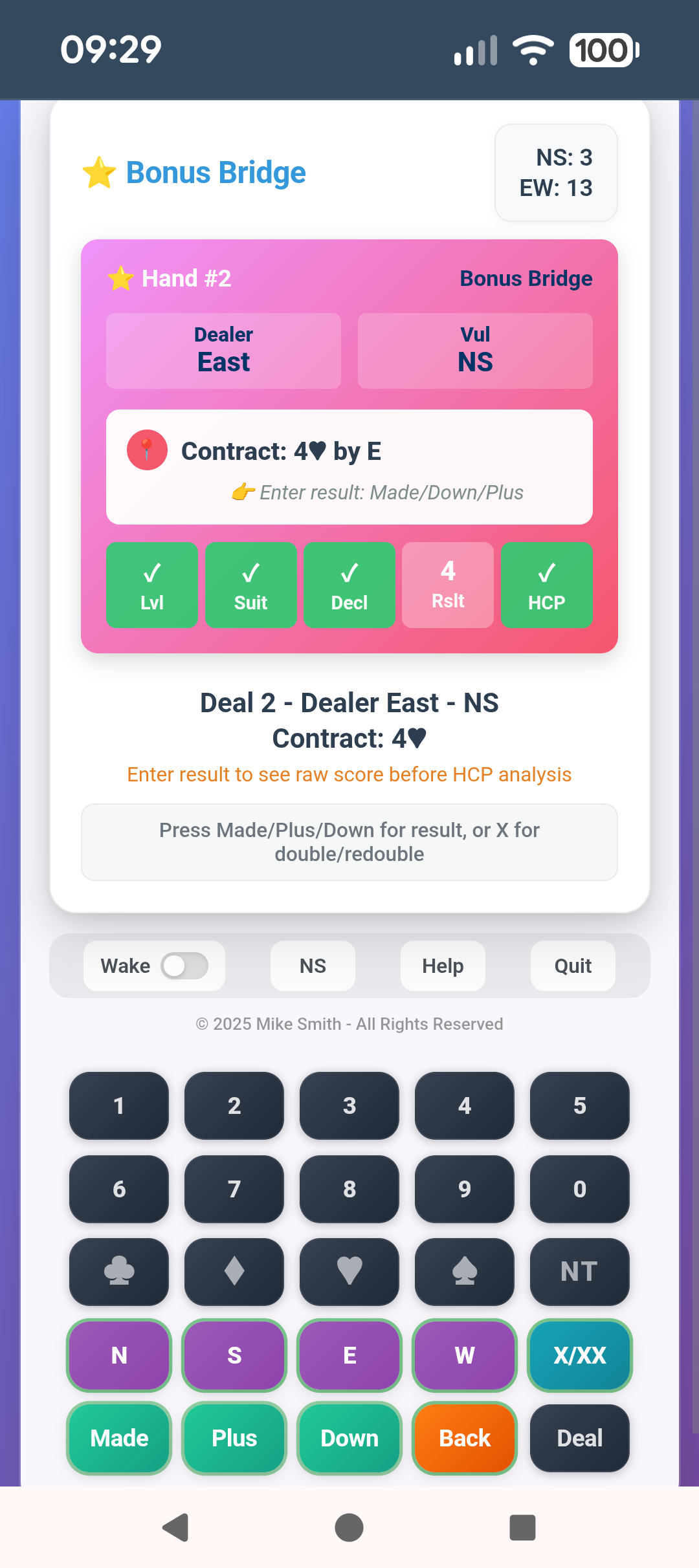
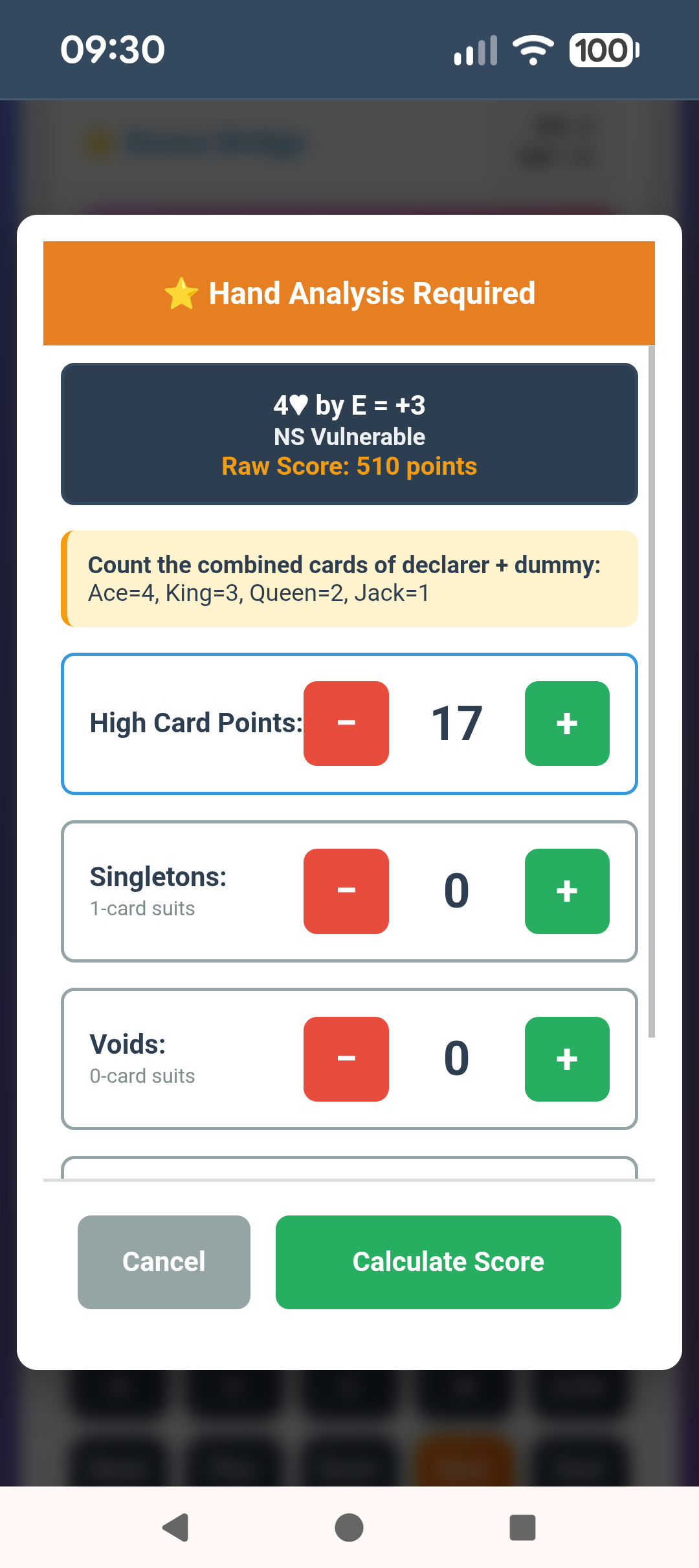
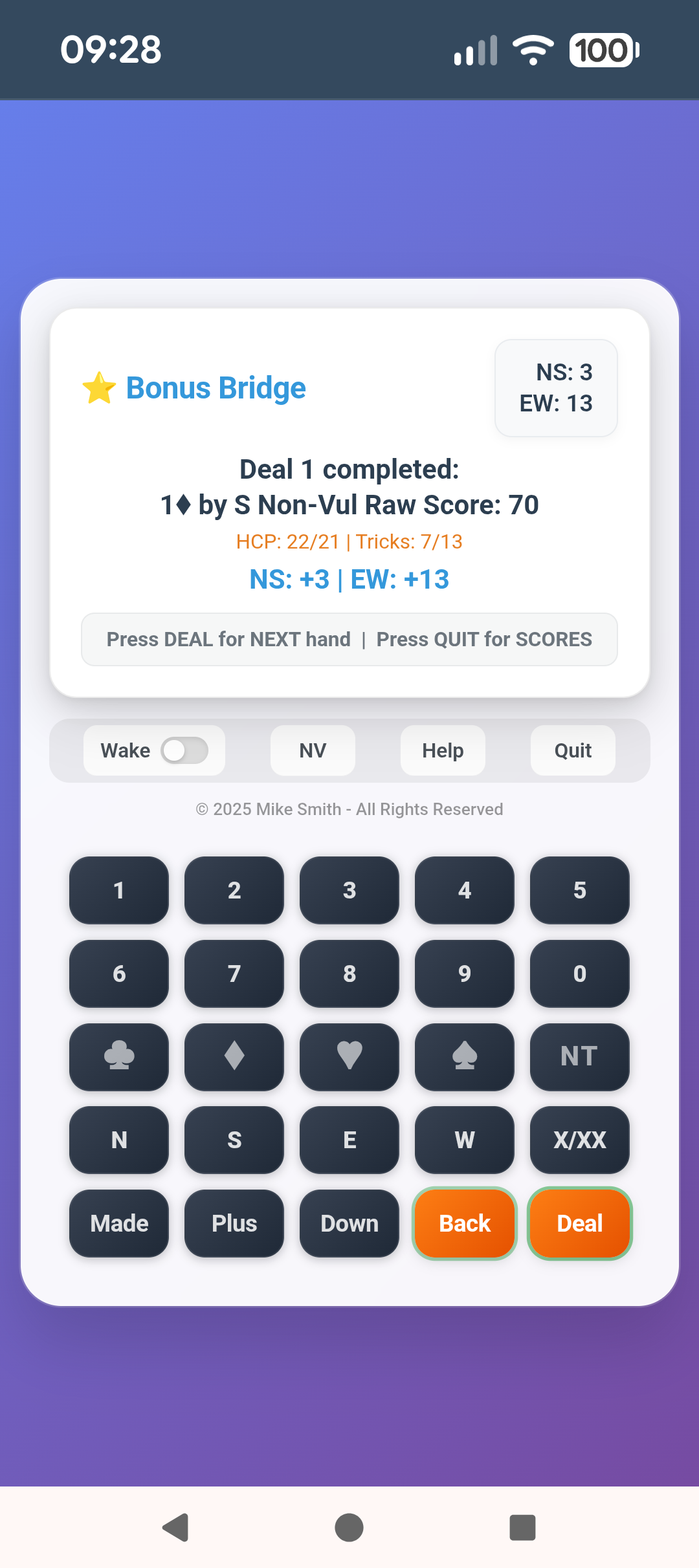
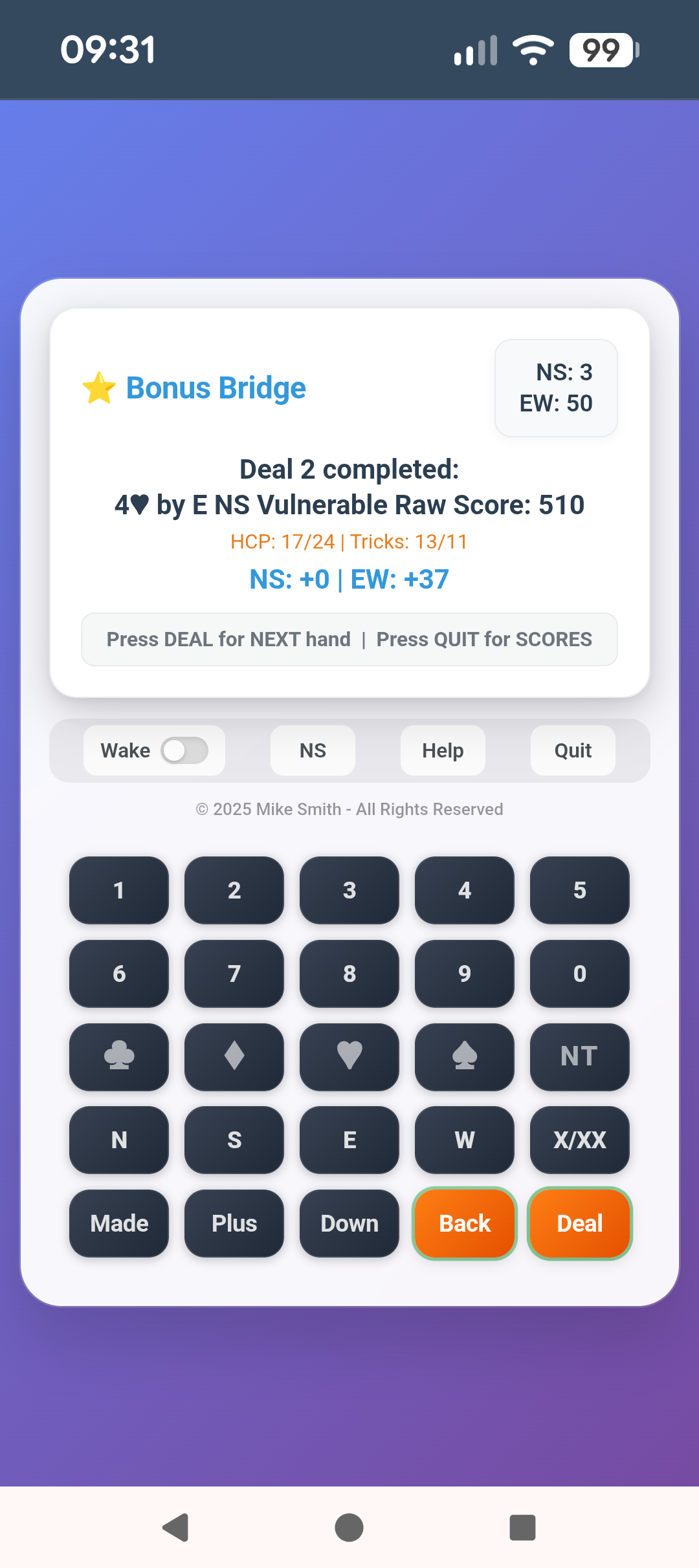
Screenshots showing Bonus Bridge mode. All five modes use the same simple keyboard interface.
The five modes
One app covers every format of bridge you’ll ever need — from a casual game for two couples to a full duplicate tournament for 20 pairs.
Licensing
The app is free to try. A trial licence lets you explore all five modes with a limited number of deals. Full licences unlock unlimited use.
Club and cruise ship pricing available — contact admin@bridgescorer.com for details.
How to install
The app installs directly from your browser — no app store, no download required. Once installed it works completely offline.
- Open Chrome on your device
- Visit bridgescorer.com
- Tap the menu (⋮) in Chrome
- Select “Add to Home Screen” or “Install App”
- The app icon appears on your home screen
- Open Safari (must be Safari, not Chrome)
- Visit bridgescorer.com
- Tap the Share button at the bottom
- Select “Add to Home Screen”
- Tap Add — the app appears on your home screen
- Open Chrome or Edge
- Visit bridgescorer.com
- Look for the install icon (⊕) in the address bar
- Click it and select Install
- The app opens in its own window